Product

WebKit Integrations

Turn ERP/CRM and business systems into safe AI tools with schemas, permissions, versioning, and full logging.
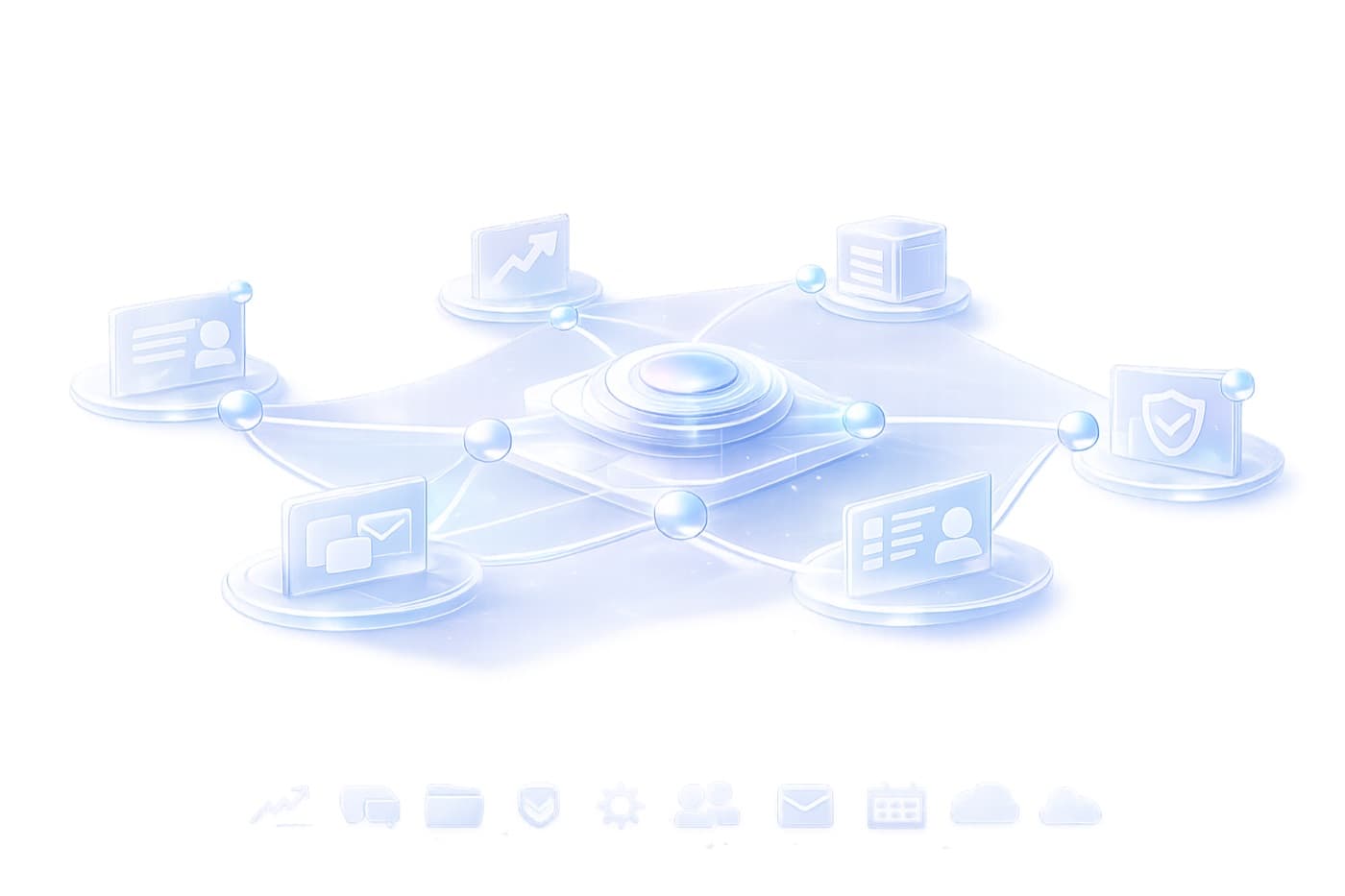
Integration network illustration

What it does

WebKit wraps enterprise systems with structured tool interfaces so Orchestrator can act end-to-end without uncontrolled actions or black boxes.

Connector library
Integrate via APIs, webhooks, message buses, databases, and event streams.
Tool registry
Define tools with strict schemas and typed outputs for reliable automation.
Permissions & policy
Map RBAC to tools and actions. Limit scope, require approvals, and log everything.

How it works

Tools that AI can safely use in production

These tool patterns are common across finance ops, support operations, and compliance workflows.
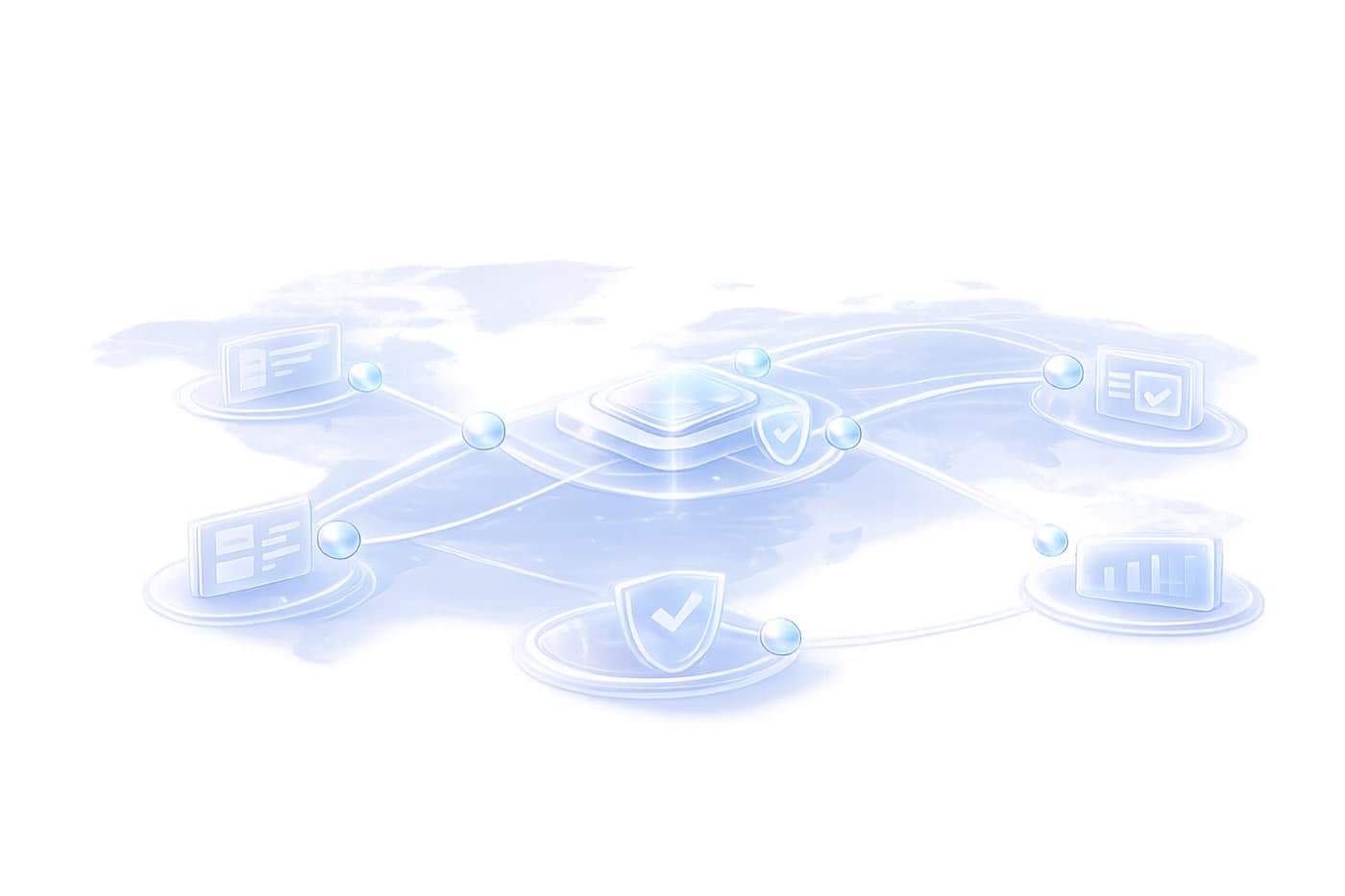
WebKit connectors diagram

Feature highlights

Example WebKit tools

Connector library
Integrate via APIs, webhooks, message buses, databases, and event streams.
Tool registry
Define tools with strict schemas and typed outputs for reliable automation.
Permissions & policy
Map RBAC to tools and actions. Limit scope, require approvals, and log everything.
Safe actions
Structured inputs/outputs, validation before writes, and explicit action boundaries.
Versioning
Test tools in sandbox, version changes, and roll out safely with monitoring.
Auditability
Every tool call is captured inside the session trace with inputs, outputs, and actors.

Tool safety telemetry

Know exactly which tools were called, by whom, and with what data.

WebKit surfaces schema validation, permission checks, and versioned tool behavior so every action is accountable.

  • Schema validation results per call.
  • Permission checks and approval outcomes.
  • Versioned tool rollouts with monitoring.
Tool call signal map
Illustrative distribution of tool-call events.
Schema adherence
Strict
Typed inputs/outputs enforced.
Permission checks
RBAC
Scopes + approvals per tool.
Version control
Staged
Test, validate, and roll out.
Audit trail
Complete
Every call captured in sessions.

Proof

Trusted tool actions in production

Connect ticketing, ERP, CRM, and data systems without sacrificing permissions or auditability.

Create CRM ticket
Open a ticket with structured fields, attach evidence, assign owner, set SLA.
Update ERP invoice status
Validate fields, reconcile totals, write back to ERP with audit trail.
Fetch order history
Read-only tool to retrieve customer/order context for grounded responses.
Attach audit evidence
Upload timestamped clips/frames and link them to a case record.
Integrations

Need an ERP/CRM integration plan?

We will assess your systems, define tool boundaries, and deliver safe actions with schemas, permissions, and audit logs.